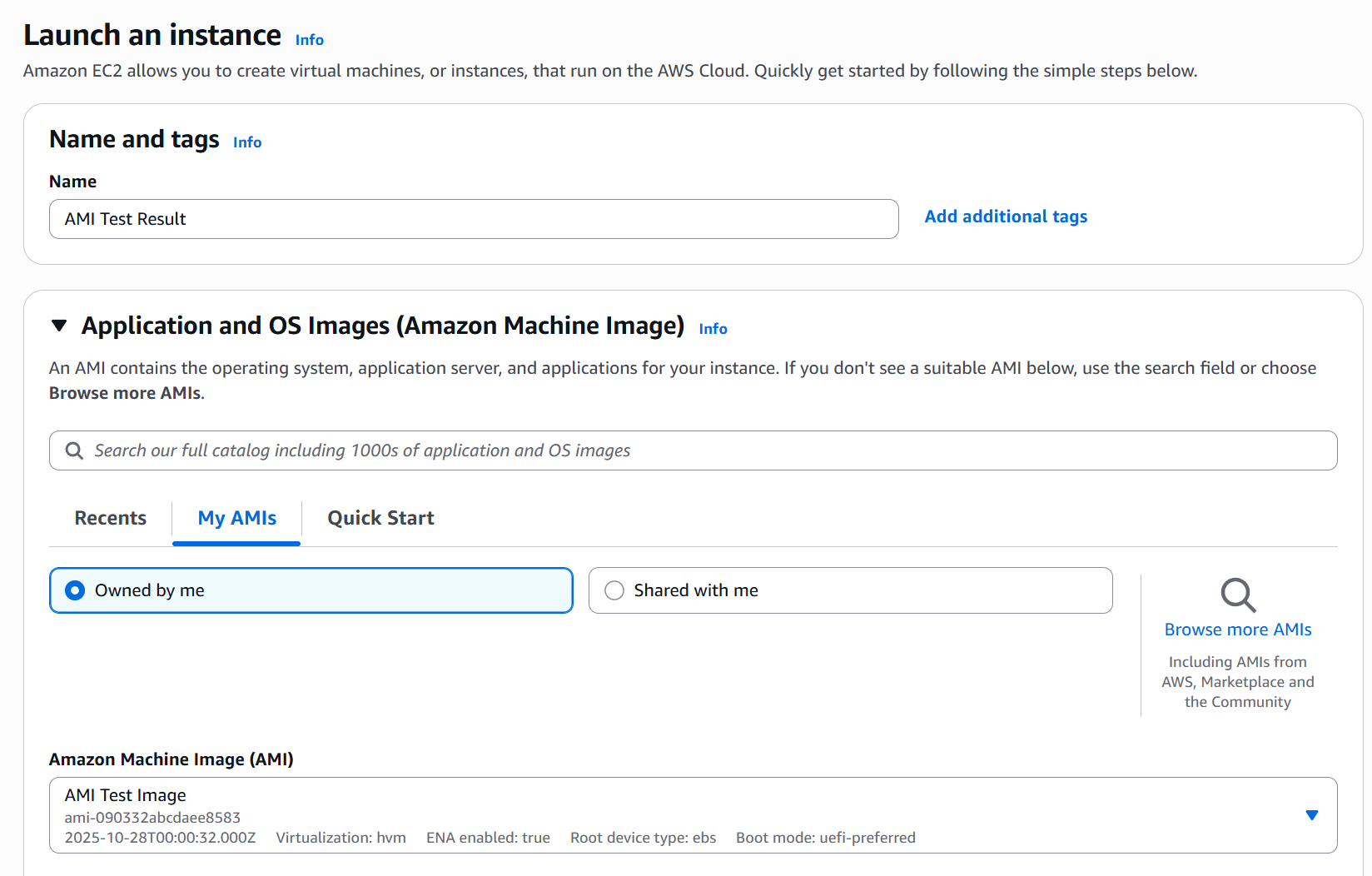
07. Amazon Machine Image (AMI)
- AMI (Amazon Machine Image) is a pre-configured template for launching EC2 instances.
- It contains your OS, software, configurations, and monitoring setup.
- Enables faster boot and deployment, since everything is pre-packaged.
- Region-specific but can be copied across regions if needed.
🚀 Types of AMIs
| Type | Description |
|---|---|
| Public AMI | Provided by AWS, free to use. |
| Custom AMI | Created and maintained by you with custom setups. |
| Marketplace AMI | Pre-built by third parties (free or paid). |
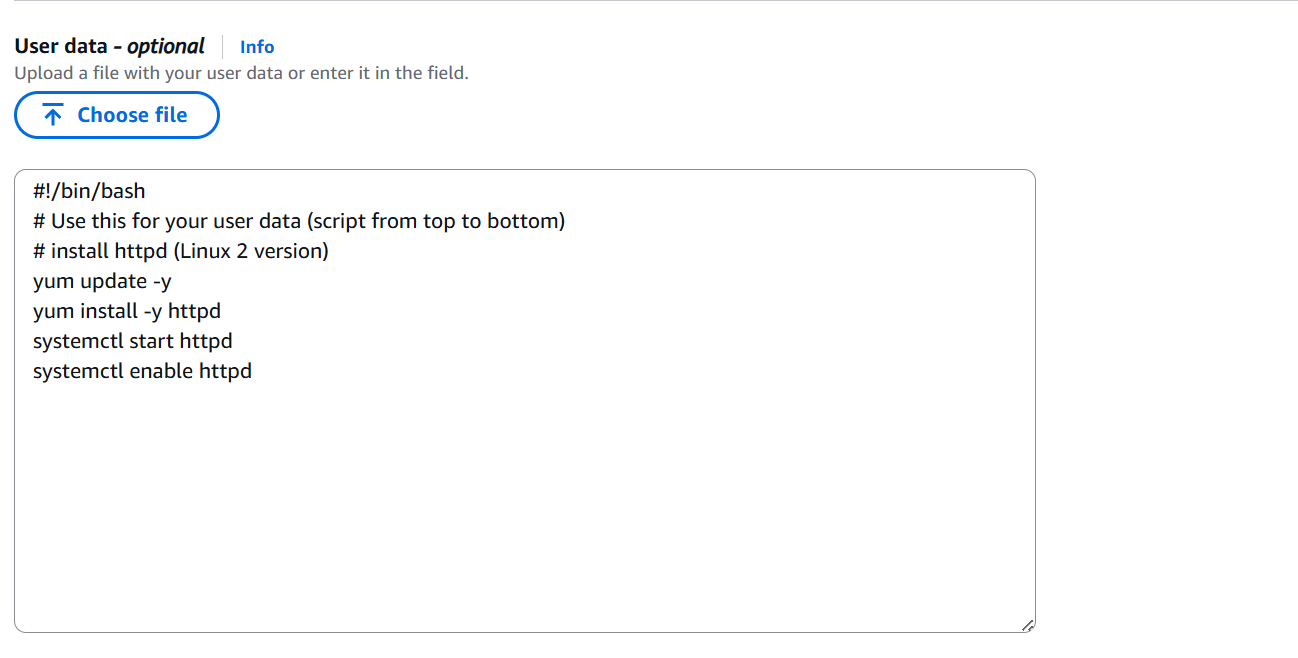
💡 Use Case: Create a custom AMI when you want your EC2 instances to have Docker, servers, or tools pre-installed, avoiding the need to run
user-datascripts every time.
⚙️ AMI Creation Process (from an EC2 Instance)
🪜 Steps
-
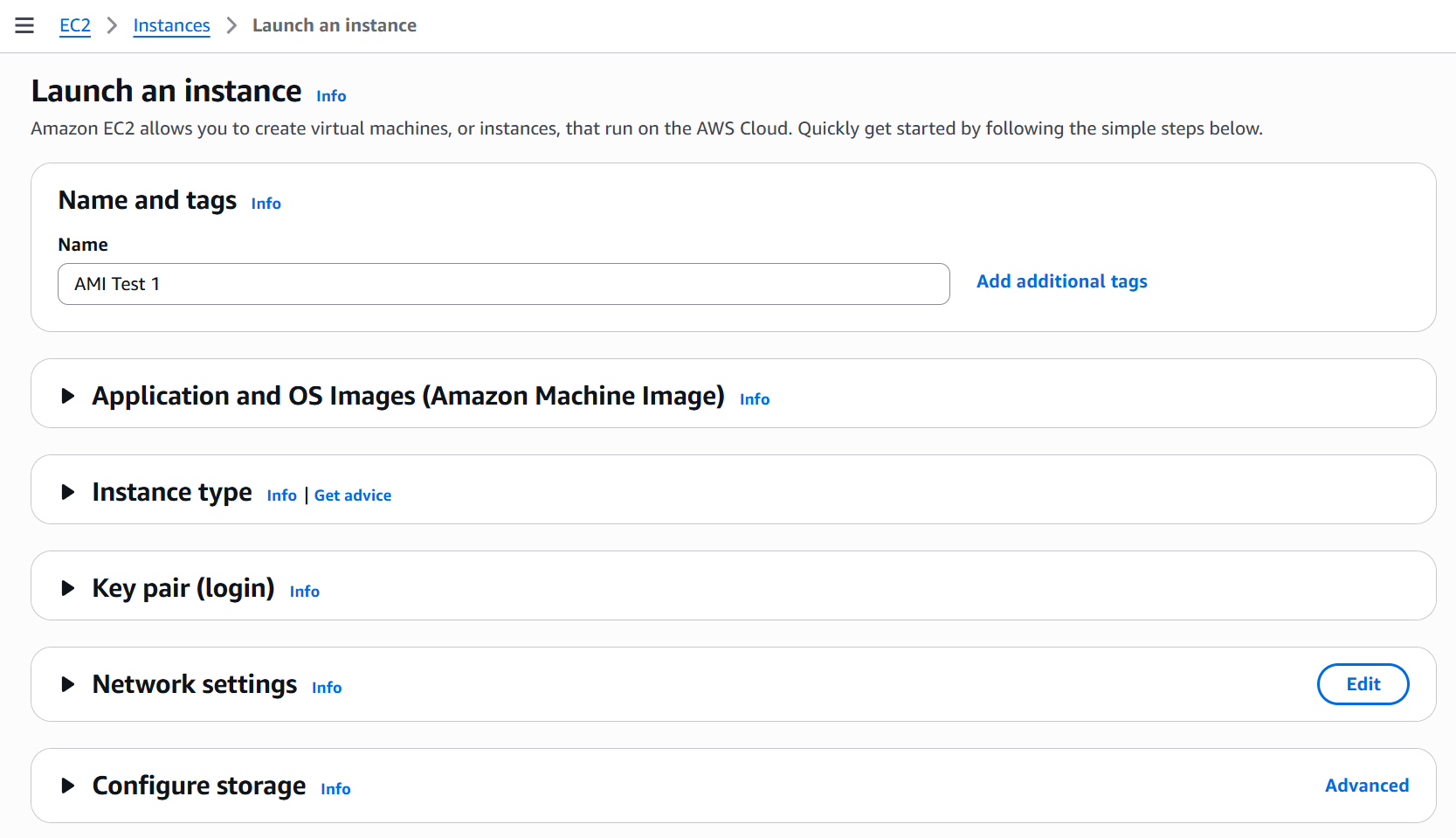
Launch an EC2 instance and install/configure your software.
-
Stop the instance to ensure data integrity.
-
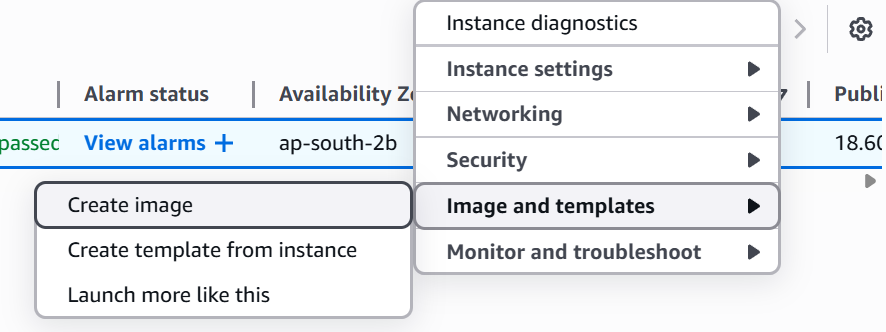
In the console, click Actions → Create Image (AMI).
- AWS automatically creates EBS snapshots for storage.
- Launch new instances using this AMI anytime you need.