🧑💻 02. IAM User and Groups
AWS Identity and Access Management (IAM) allows you to create and manage users securely in your AWS account.
IAM helps define who can access AWS resources (identities) and what actions they can perform (permissions).
🪜 Steps to Create an IAM User
🧩 Step 1: Open IAM Service
- Sign in to the AWS Management Console using your root or admin account.
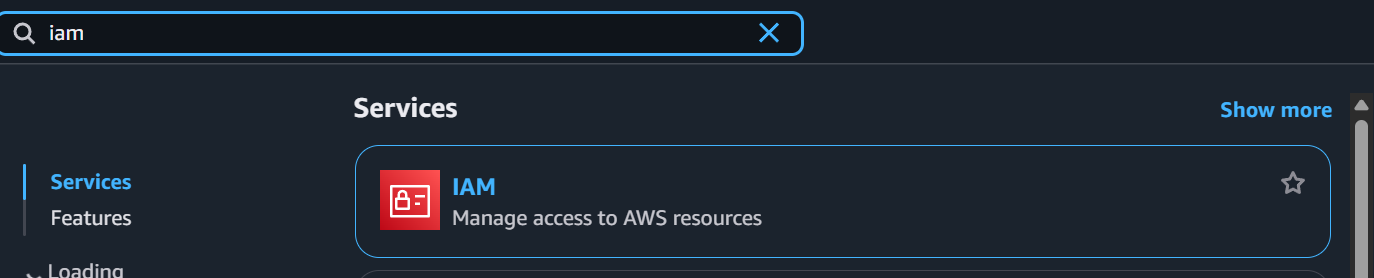
- In the search bar, type IAM and select IAM from the results.
👤 Step 2: Go to Users Section
- In the left-hand menu, click Users.
- Select Add users to start the user creation process.
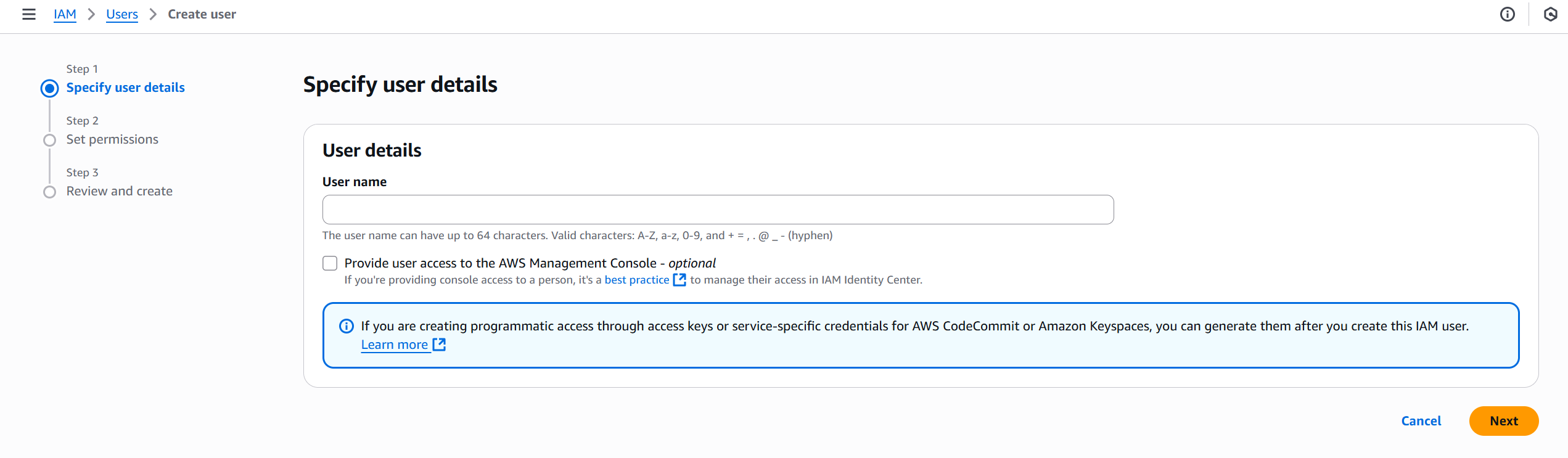
📝 Step 3: Specify User Details
-
Enter a User name (e.g.,
developer01). -
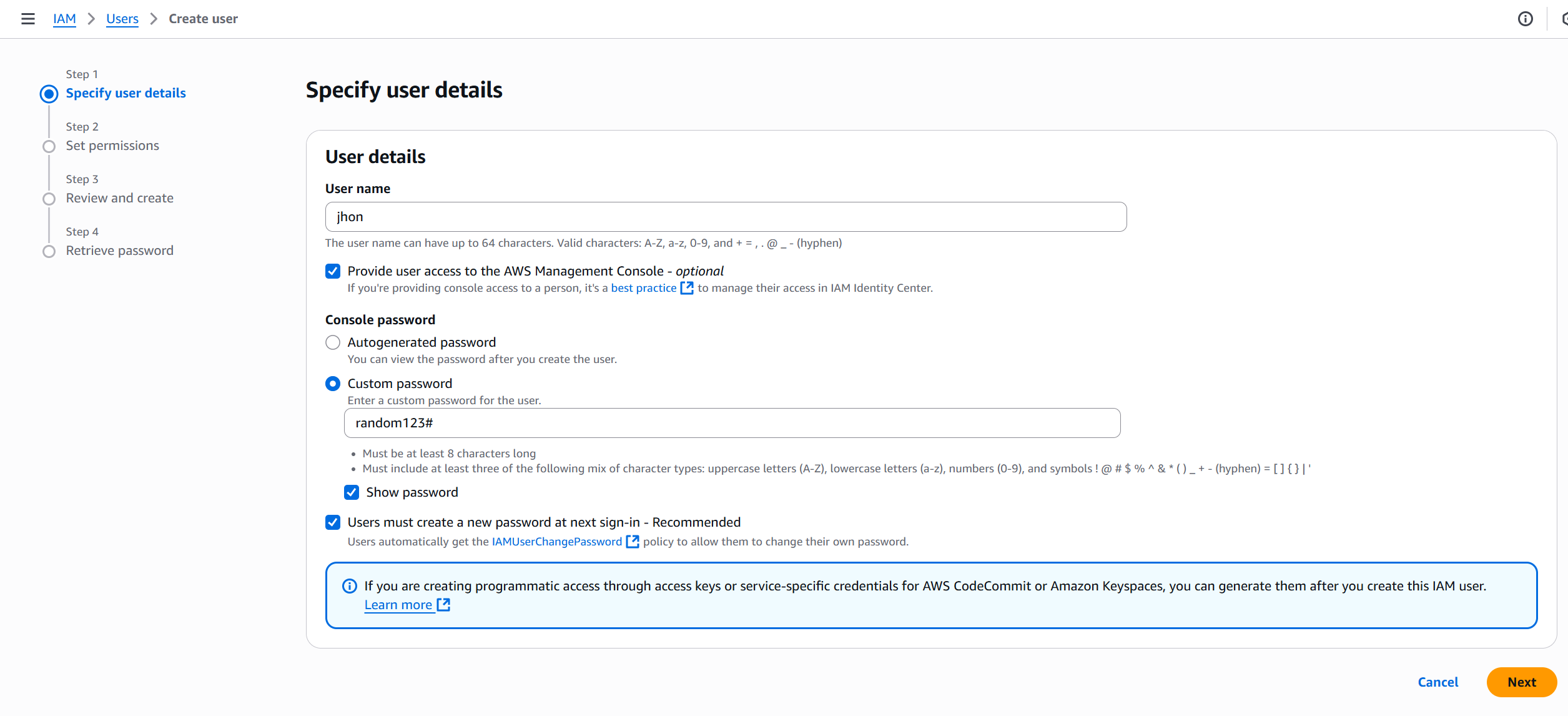
Choose the type of access:
- Console access → for logging in via the AWS Management Console.
- Access key → for programmatic access via CLI or SDKs.
🧱 Step 4: Set Permissions
You can assign permissions in one of three ways:
- Add user to a group — attach predefined policies to a group.
- Copy permissions from existing user — replicate permissions of another user.
- Attach policies directly — assign policies manually.

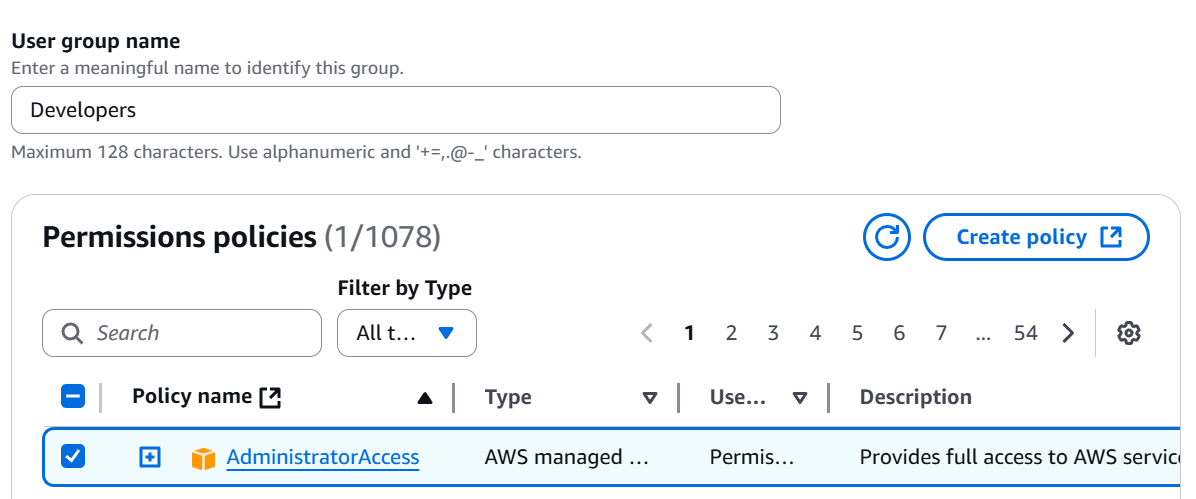
💡 Best Practice: Use groups to manage permissions for multiple users easily.
🔒 Step 5: Configure Optional Settings
You can optionally:
- Add user to a specific path or tag for identification.
- Configure permissions boundaries (advanced use).
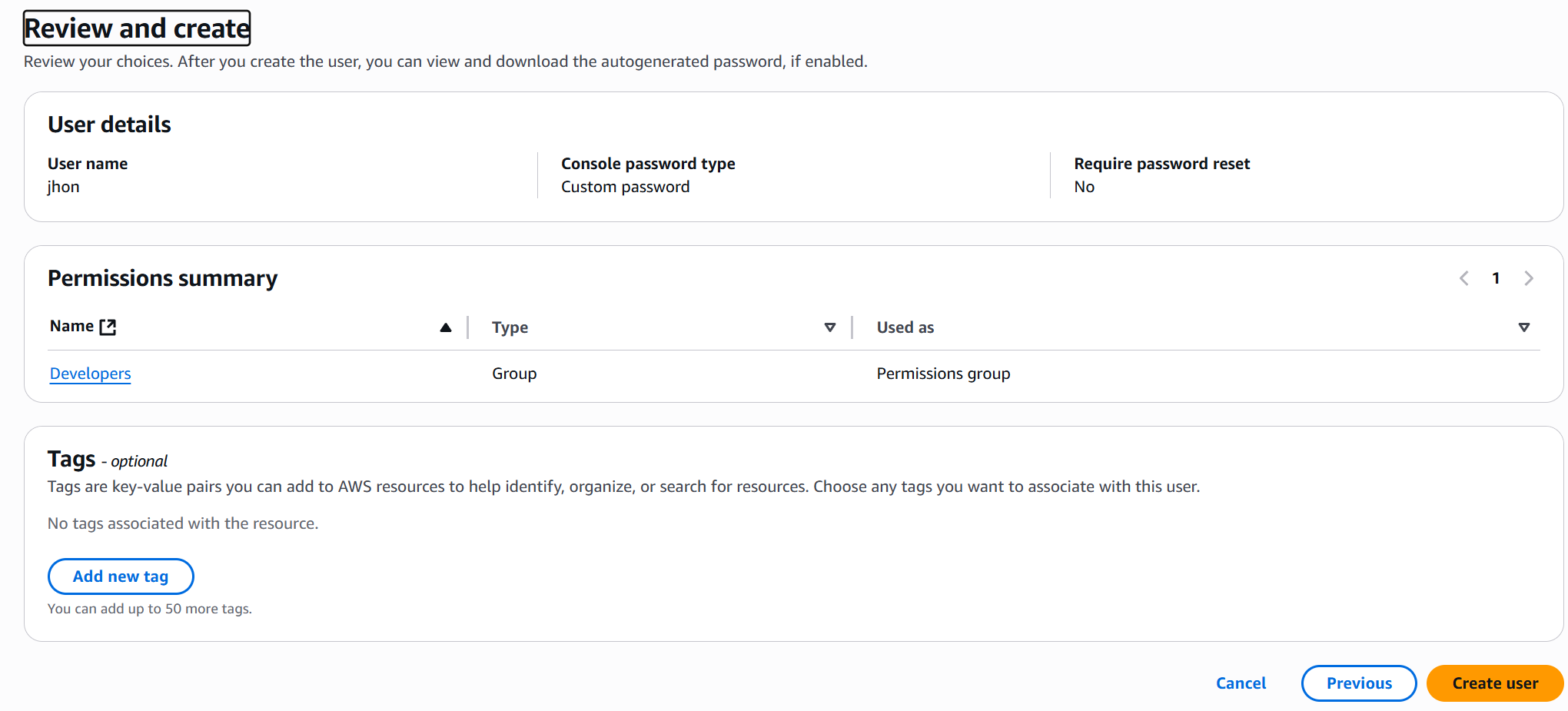
📄 Step 6: Review and Create User
- Review all details — username, access type, and permissions.
- Click Create user.
🗝️ Step 7: Save Credentials
Once the user is created:
- Download the .csv file containing:
- Console login URL
- Username
- Password or Access Keys
- Store credentials securely (never share or expose them).
✅ Result
-
Your IAM user is successfully created! 🎉
-
You can now log in using the provided credentials or use the access key for CLI/API operations.
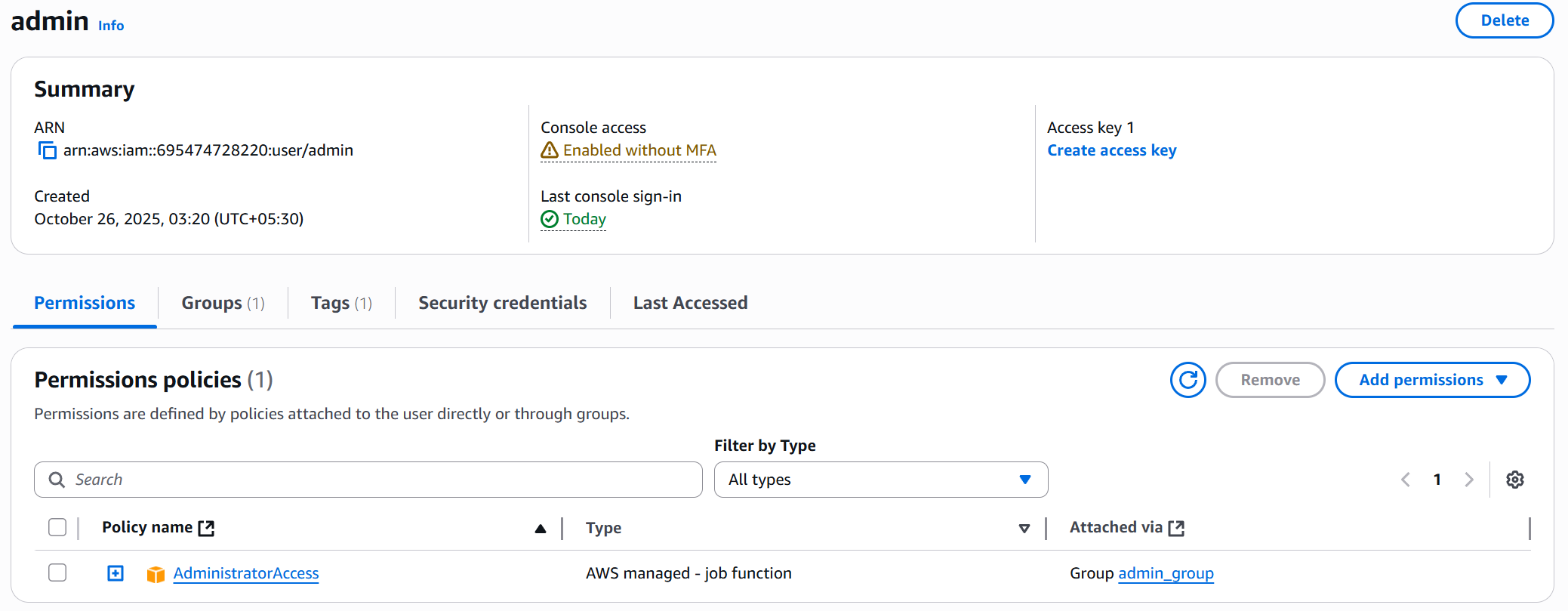
💡 Note: Permissions policies attached to user via group
🔐 Best Practices
- Enable MFA (Multi-Factor Authentication) for all users.
- Apply least privilege principle — give only necessary permissions.
- Regularly rotate access keys and remove unused users.
- Use groups and policies for efficient management.